
By Gerald Gmainer5 min readPrivacy · Budgeting · Apps
A Budgeting App Without Bank Access: Why That's Not a Drawback
Many finance apps want access to the bank account. Why logging spending by hand often makes for a better budget, and how to keep it quick.
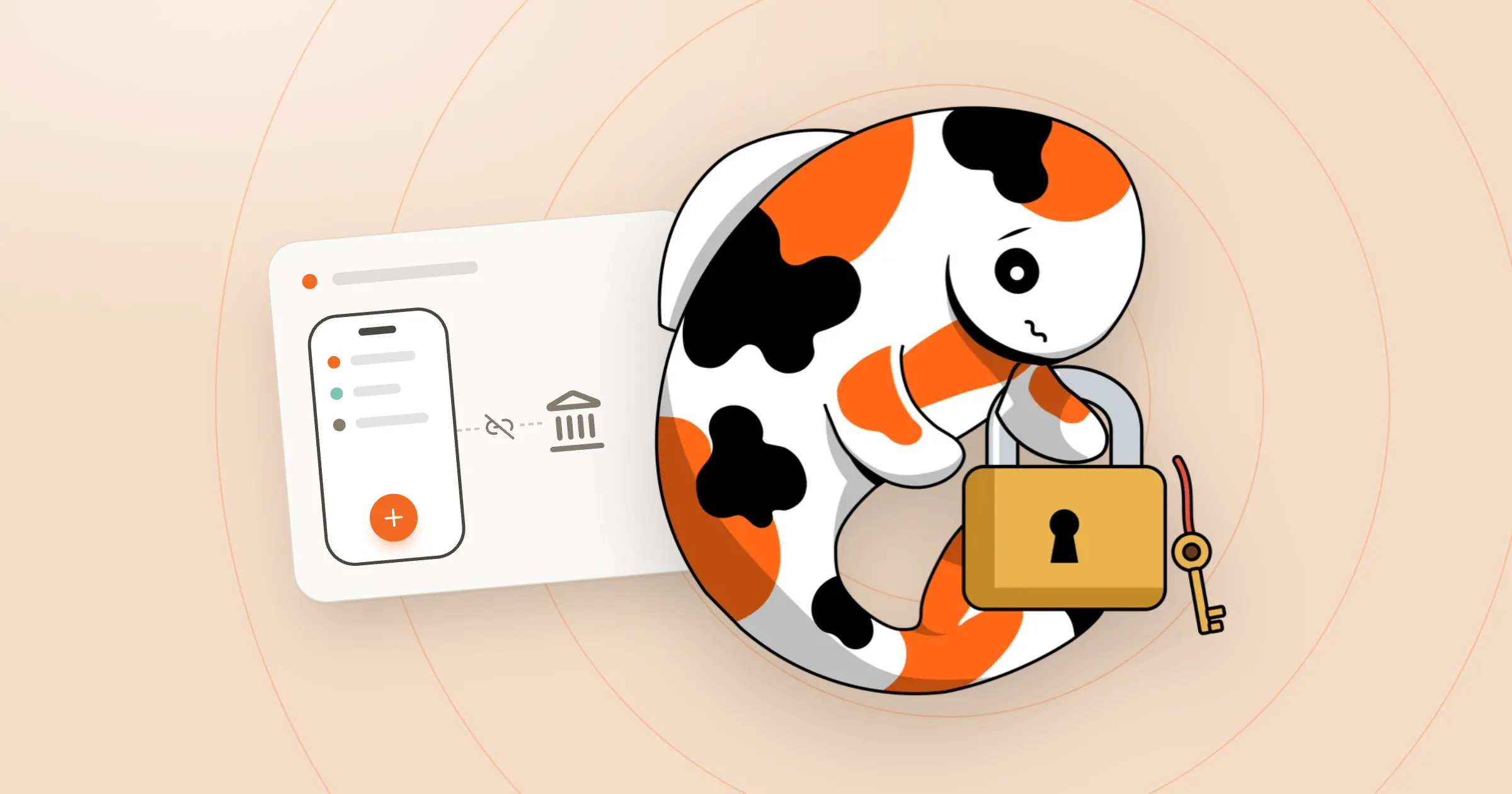
A Budgeting App Without Bank Access: Why That's Not a Drawback
A search for a budgeting app quickly turns up ones whose first request is access to the bank account. It sounds convenient: every transaction comes in automatically and nothing has to be typed. In practice, it's more complicated. And for many people, handing their banking details to an app simply isn't an option.
This post is about why a budget book without a bank connection isn't the lesser choice, and is often the better one.
What actually happens when a bank is connected
For an app to fetch transactions, it needs access to the online banking, usually through a third-party provider. This is regulated and generally implemented securely. Even so, it means:
- The complete transaction history sits on the app's servers, and often with an intermediary as well.
- That data reveals a lot: income, employer, rent, doctors, habits.
- The connection has to be re-authorised regularly and occasionally drops out. When it does, bookings go missing without anyone noticing right away.
That's no reason to panic. But it's a good reason to ask whether that trade is really necessary.
The underrated downsides of automatic transactions
Even when the connection works perfectly, it has weaknesses that only show up in use.
Cash is missing. In many places, including Austria and Germany, people still pay cash a lot: at the market, the bakery, the hairdresser. None of that shows up on a bank statement.
The categories are often wrong. "SPAR DANKT 1234" on a statement tells an app nothing about whether the purchase was groceries, toiletries or a bottle of wine for a birthday. A supermarket shop is almost always a mix, yet it still lands as one lump under "Groceries".
Nobody looks any more. This is the most important point. When everything happens automatically, the budget book becomes an archive that's rarely opened. The conscious second spent entering an expense is exactly when it registers: another €30 on food delivery.
Why logging by hand works
Entering an expense by hand sounds old-fashioned. But it has an effect no automation can replace: every expense is consciously noticed once. Many people who keep a budget book find they buy less on impulse just from doing this. Not because they forbid themselves anything, but because they see it.
On top of that, the category is a personal choice. Whoever did the shopping knows that this time the trip to the chemist was for a gift. The app doesn't.
"But that takes far too long"
That's a fair objection, and it's exactly where a budgeting app without a bank connection proves itself or doesn't. If a booking needs ten fields and three menus, most people give up after a week.
That's why I've put a lot of work into making logging quick in Money Koi:
- Quick add: A single line like
58.20 fuelis enough. The amount, description and a suggested category are picked out of it. - On-device receipt scanner: Take a photo of the receipt. The store, date, total and individual items are read right on the phone and sorted into the right categories. So a supermarket shop isn't one lump any more, but what it really was.
- Recurring bookings: Enter rent, insurance and subscriptions once, and they're booked automatically from then on.
- Android home-screen widgets: Add bookings without opening the app first.
Realistically, that leaves a handful of bookings a day to enter by hand. That's a minute or two.
The data starts on the device
The second advantage of skipping the bank connection: the app simply needs less data. Money Koi saves everything to a database on the device first. The app works fully offline: in flight mode, on the underground, in a dead zone up a mountain. Without an account, the book stays on the phone and Money Koi's server never receives it. With Cloud, the app syncs the data in the background, encrypted, via servers in the EU, so it's backed up and available on other devices and after a phone switch.
The receipt scanner reads right on the phone too: no cloud AI service ever gets to see the photo. Without an account, the photo also stays on the phone. With Cloud, it's backed up afterwards, encrypted, to Money Koi's EU server, and that can be switched off as well.
When does a bank connection still make sense?
To be fair: anyone who pays almost exclusively by card, has just one account and mainly wants a rough overview after the fact may find an automatic connection convenient. But then it's more of a bank statement with charts than a budget book.
For anyone who really wants to understand where the money goes, including cash and including what was actually in the shopping trolley, logging spending by hand with good tools is the more reliable way.
The bottom line
Without bank access, each expense costs a few seconds. In return: a more complete picture, more accurate categories, more awareness of spending, and the banking data stays where it belongs.
Money Koi is a budget book with no bank connection that also works without internet, with a receipt scanner that reads receipts right on the phone. It's available for Android on Google Play, and the budget book itself is free and needs no account. Pro and Cloud add more; with Cloud, the book also opens in the browser at my.moneykoi.com. iOS is planned for the end of 2026.